We design and build clinic management software for single-doctor practices, dental chains, and multi-specialty groups. Our own product, Nabhaya Clinic, already runs 100+ clinics day to day, so we start from workflows that are proven in real waiting rooms. You get scheduling, records, billing, and reporting shaped around your protocols, not a template you work around.
Companies that chose us for their digital transformation



















Some clinics need a proven system running by next quarter. Others have protocols no off-the-shelf product will ever match. Most sit somewhere in between. We start by finding out which one you are, then recommend the shortest honest route to a working clinic management system. Sometimes that means configuring Nabhaya Clinic. Sometimes it means building from a blank page. We will tell you which.

License our own clinic management software, already live in 100+ clinics, then configure it to your specialties, billing rules, and reporting needs.

For multi-specialty groups and hospital chains whose workflows no product fits. We design the clinic management system software around your protocols, from the first screen.

Dental clinic management software with charting and treatment plans, plus tailored builds for physiotherapy, ophthalmology, dermatology, diagnostics, and IVF practices with their own clinical vocabulary.

Migrate off paper, spreadsheets, or an aging EMR, or keep your current system and connect labs, pharmacy, accounting, and insurance through clean integrations.
Feature lists all look the same on a vendor’s website. The difference shows up on a Monday morning, when the waiting room is full, and something has to give. Running Nabhaya Clinic across 100+ practices taught us where clinic management software holds up and where it cracks. Here is how we build each part, and what we have learned matters more than the specification sheet suggests.
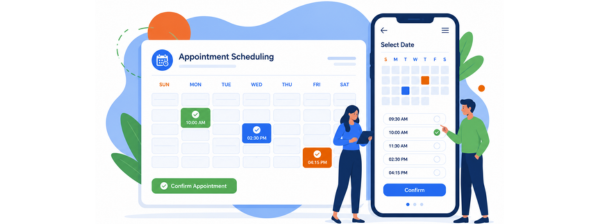
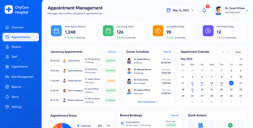
A booking screen is easy. Handling reality is not. Walk-ins arrive without slots, doctors run late, and one cancellation reshuffles the afternoon. We build scheduling that absorbs this: multi-doctor and multi-branch calendars, queue tokens, room and chair allocation, waitlist promotion, and reminders over SMS, WhatsApp, and email. The test is whether your receptionist can rebook a patient in under ten seconds without asking anyone.
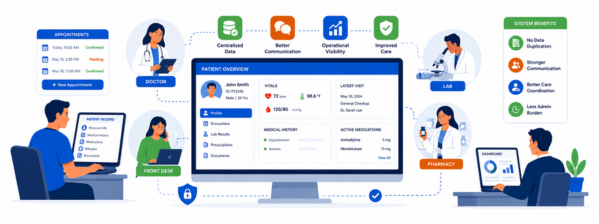
Doctors abandon record systems that slow the consultation down. So we design documentation around the specialty, not a generic form. Dental gets tooth charting and treatment plans. Physiotherapy gets session tracking. General practice gets templated notes and prescription shortcuts. Every record carries history, allergies, uploads, and lab results in one view, and every edit leaves an audit trail your compliance team can defend.
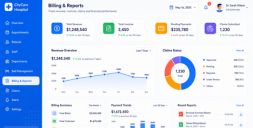
Most clinics lose money quietly: an unbilled procedure, a package session never deducted, and an insurance claim that timed out. Good clinic practice management software closes those gaps automatically. We build itemized billing tied to what was actually performed, package and membership tracking, split payments, tax handling configured for your region, insurance and third-party payer claim workflows, and outstanding-balance reports your accountant will not argue with.
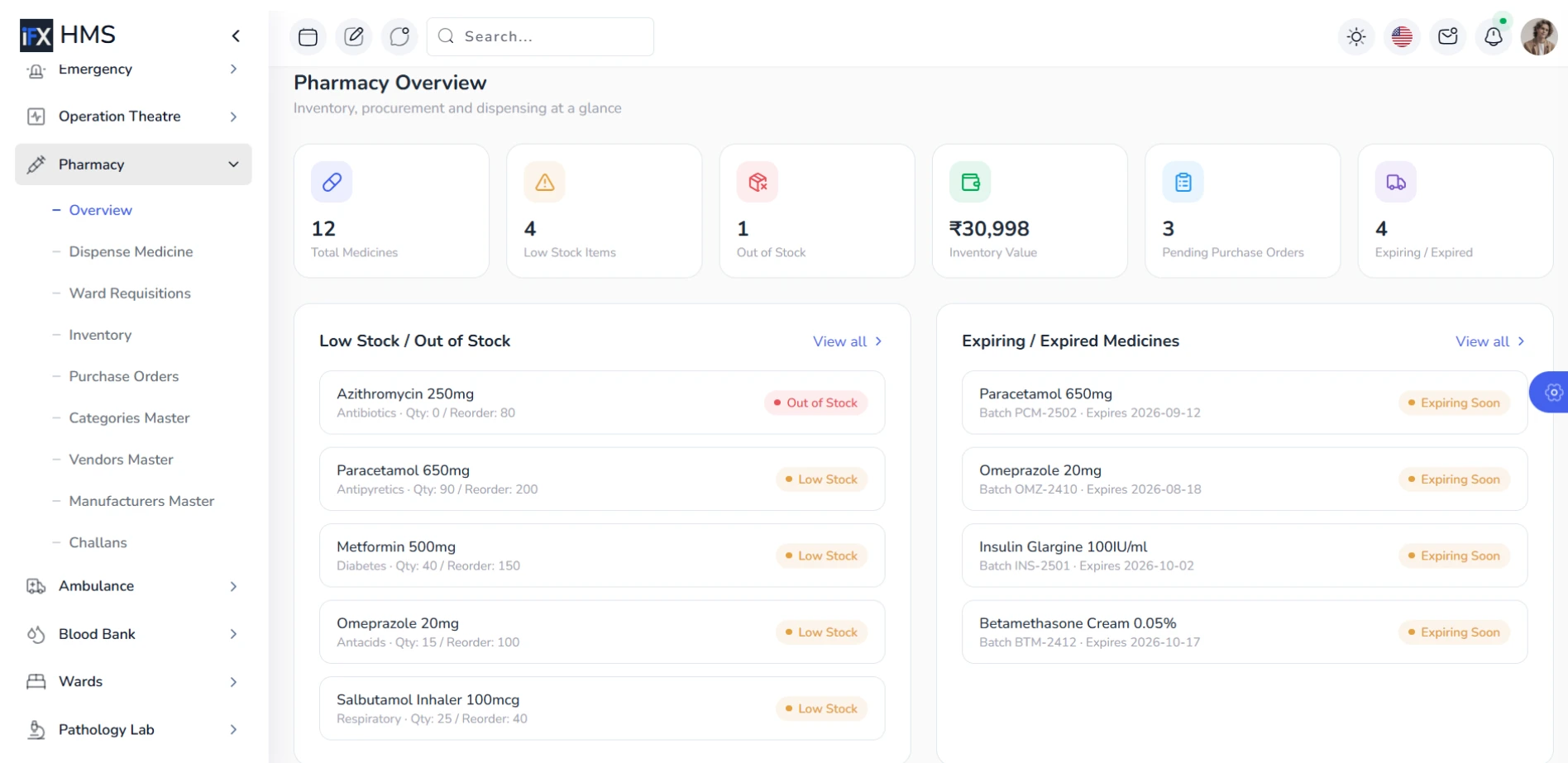
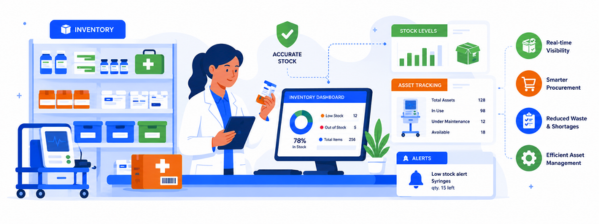
Stock is where clinic margins leak. Expired consumables, a drug that ran out mid-clinic, and reorders placed from memory. We connect inventory directly to consultations, so dispensing a prescription or completing a procedure updates stock in real time. Batch and expiry tracking, reorder thresholds, supplier records, and branch-level transfers keep the storeroom honest without anyone maintaining a separate spreadsheet at the end of the month.
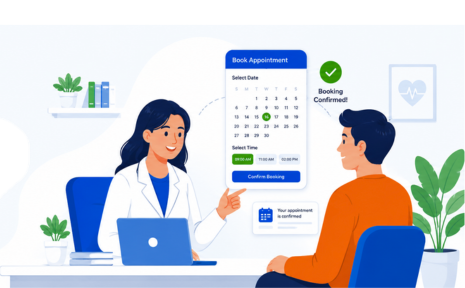
The appointment is not the end of the visit. Recalls for a six-month dental checkup, post-procedure instructions, pending lab results, and unfinished treatment plans: each one is revenue and better care sitting unclaimed. We build automated recall campaigns, a patient portal for records and payments, teleconsultation with in-system notes, and feedback capture that routes complaints to a human before they become a public review.
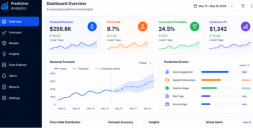
Owners do not need forty dashboards. They need to know doctor utilization, revenue per chair or room, no-show rate, and which service line is actually paying for itself. We build reporting around those decisions, on top of clinical data handling that stands up to scrutiny: role-based access, encryption at rest and in transit, complete audit logs, and architecture aligned to HIPAA, GDPR, and ABDM.
Get a free proposal with real numbers, honest timelines, and no lock-in. Judge us on that.
Most clinic software projects do not fail during development. They fail at migration, when records go missing, and at go-live, when staff quietly return to their old spreadsheets. So our process runs well past the launch date. Here is every step, what you receive at the end of it, and who owns it.

We spend time in your clinic, not just on calls. Watching the front desk, the consultation room, and the billing counter tells us more than any requirements document. You get a documented workflow map.

Before a line of code, you click through the real screens. Changing a workflow at this stage costs an afternoon. Changing it after launch costs weeks. You approve a prototype and a fixed scope.
You see working software every two weeks, not a status report. Doctors and front-desk staff test each release while it is still cheap to change. You get a live environment from sprint one.
Access rules, encryption, and audit logging are built during development, not retrofitted before launch. We align the architecture to HIPAA, GDPR, or ABDM depending on where you operate. You receive a written compliance summary.

Your old records move across first, then both systems run side by side until the numbers match. Nobody switches off the old one on a promise. You get a verified migration report before go-live.

We train your team on their own data, not a demo account, and stay close through the first busy month. You get role-based training, documentation, and a support agreement with defined response times.
We would rather you buy the right system than buy from us. Most of these questions have nothing to do with features, which is where every vendor wants the conversation to stay. Here is what we check when clinics ask us to review a shortlist, including the answers that have cost people money.
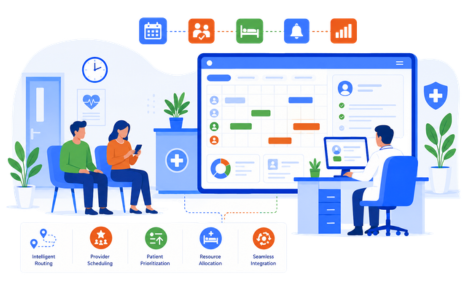
The best clinic management software is the one your receptionist does not resent. Feature comparisons never capture this. Before you commit, put the system in front of the person who will use it two hundred times a day and watch how long a routine booking takes. If they hesitate, the software loses, no matter what the demo showed you last week.
Most platforms are built for general medicine and then stretched. A dentist needs tooth charting and multi-visit treatment plans. A physiotherapist needs session packages. An IVF clinic needs cycle tracking. The best dental clinic management software will look nothing like the best software for a diagnostics center. Ask to see your specialty’s actual workflow, not a configurable form someone will fill in later.
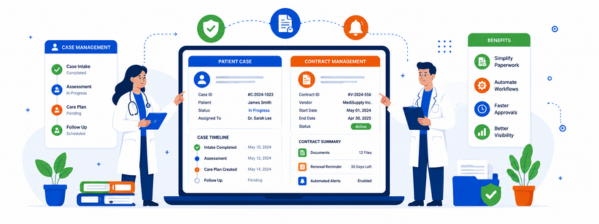
Sometimes, yes. A single-doctor practice seeing thirty patients a day can run well on a free clinic management software tier for a year or more. The limits usually appear at multi-branch reporting, insurance claims, inventory depth, and data export. Start free if the numbers are small. Just know the exit cost before three years of your records live inside it.
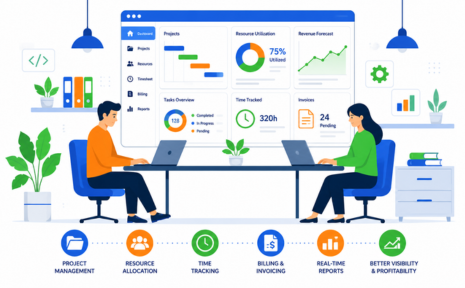
A subscription is fine until you add your fifth doctor and your third branch, and the bill grows faster than the practice. A custom build costs more at the start and nothing per seat afterward. Neither is automatically right. Work out what you will pay in year three under both, then decide. Most clinics never run that number until it is too late.
Ask this in the first call and watch the reaction. You want a full export of patient records, appointments, billing history, and clinical notes in a readable format, on demand, without a fee. Ask where the data is hosted, who can access it, and how HIPAA or local rules are handled. A vendor who deflects has already told you everything you need to know.
Every demo is run on a quiet Tuesday with clean data. Insist on a trial during your busiest session, with your own patient list, your own billing rules, and a staff member who did not attend the sales call. Most systems that fail in month six showed the cracks in that first hour, and nobody in the room was watching for them.
We built Nabhaya Clinic thinking we understood how clinics work. Then 100+ practices across India started running it every day and taught us otherwise. These are the three lessons that cost us the most to learn. They are worth knowing whether you build with us, buy elsewhere, or stay where you are.
Our first requirement lists were full of dashboards, custom reports, and analytics. A year in, we checked which screens people actually opened. Appointments, patient search, and billing accounted for almost everything. Most of the reporting we built went untouched. Before you pay for a long feature list, ask your team which three screens they would open every hour, then weigh the rest against that.
A doctor squeezes in a relative. The front desk waives a fee for a regular. A patient pays half today and half next week. Our early version blocked all of it in the name of clean data, so staff started keeping a notebook beside the screen. Software that cannot bend gets worked around. Ask any vendor how their system handles exceptions.
Going live is not the finish line. In the clinics where adoption stalled, someone senior sat with the front desk through the first busy week and answered the small questions before they turned into workarounds. Where nobody did, staff drifted back to old habits within a month. Budget time and a named person for that first month, not just for training day.
A clinic management system is usually the first piece, not the only one. Once appointments and records are working, the next gaps show up quickly: a pharmacy that still runs on a register, a second location with its own spreadsheet, and patients asking for video consultations. These are the builds that tend to follow.
Every service below has its own page with the same level of detail as this one. If you are not sure which you need, or whether you need more than one, a short conversation usually settles it faster than reading six pages.
For groups that outgrow clinic-scale software. Ward management, OPD and IPD, multi-department billing, and staff rostering across locations that need to report as one organization.
When clinical records need to stand on their own: structured notes, lab integrations, e-prescriptions, and interoperability through HL7 or FHIR so other systems can read your data.
Video consultations with notes, prescriptions, and payments in the same session. Usually requested once a clinic starts losing follow-ups to patients who cannot travel back.
For clinics dispensing in-house. Batch and expiry tracking, supplier orders, and stock that updates from prescriptions instead of from someone counting shelves on a Sunday.
For founders building a product rather than running a clinic. Multi-tenant architecture, subscription billing, onboarding flows, and the compliance work that comes with holding other people's patient data.
When the software works but nothing talks to anything else. We connect labs, accounting, insurance, and messaging, or rebuild an aging system without losing a decade of records.
These come up on almost every first call, so we have answered them properly rather than in one line each. If your question is not here, ask it directly. We would rather talk about your clinic specifically than have you piece it together from a page.